
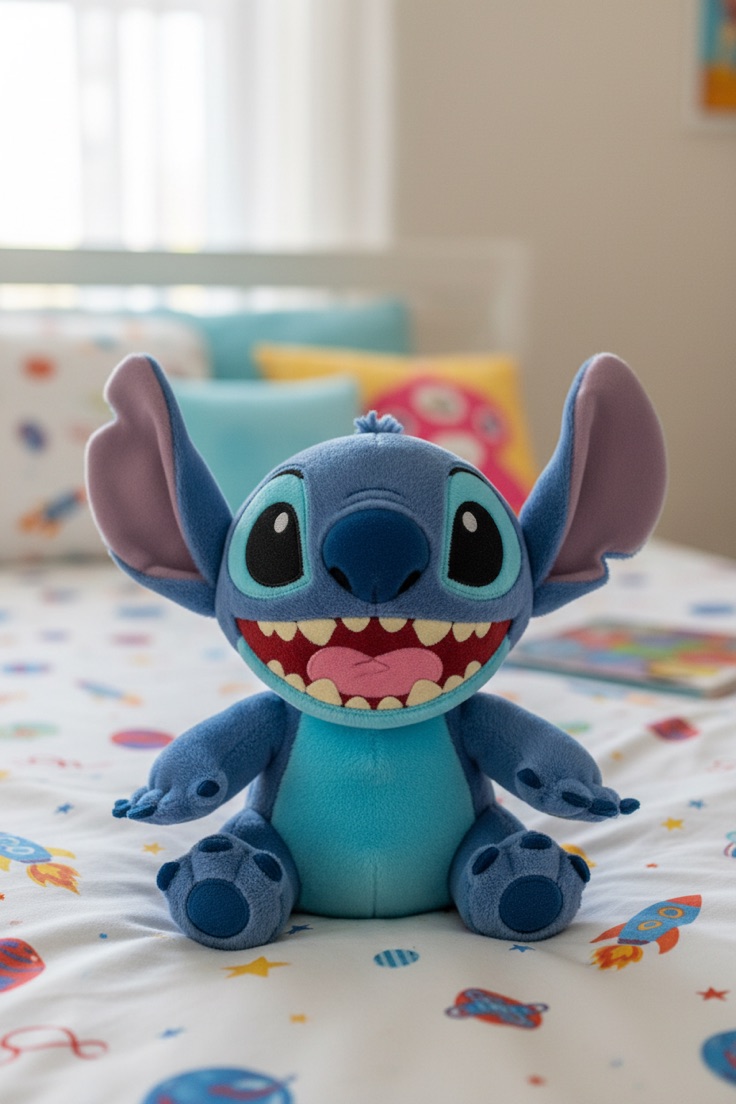
STITCHA little character.
YOUR VISUAL CONTENT, IN A BETTER PLACE
You bring the niche. Pixfactory creates the images, titles and descriptions. Review your favorites, then auto-post to Pinterest on your schedule.
Your AI model Auto-post to Pinterest Your final say
01 / A LIGHTER WORKFLOW
Less starting from scratch.
More room for the part you enjoy.
Pick what you create for. Mix audiences, products, styles and occasions to find fresh angles inside a familiar subject.
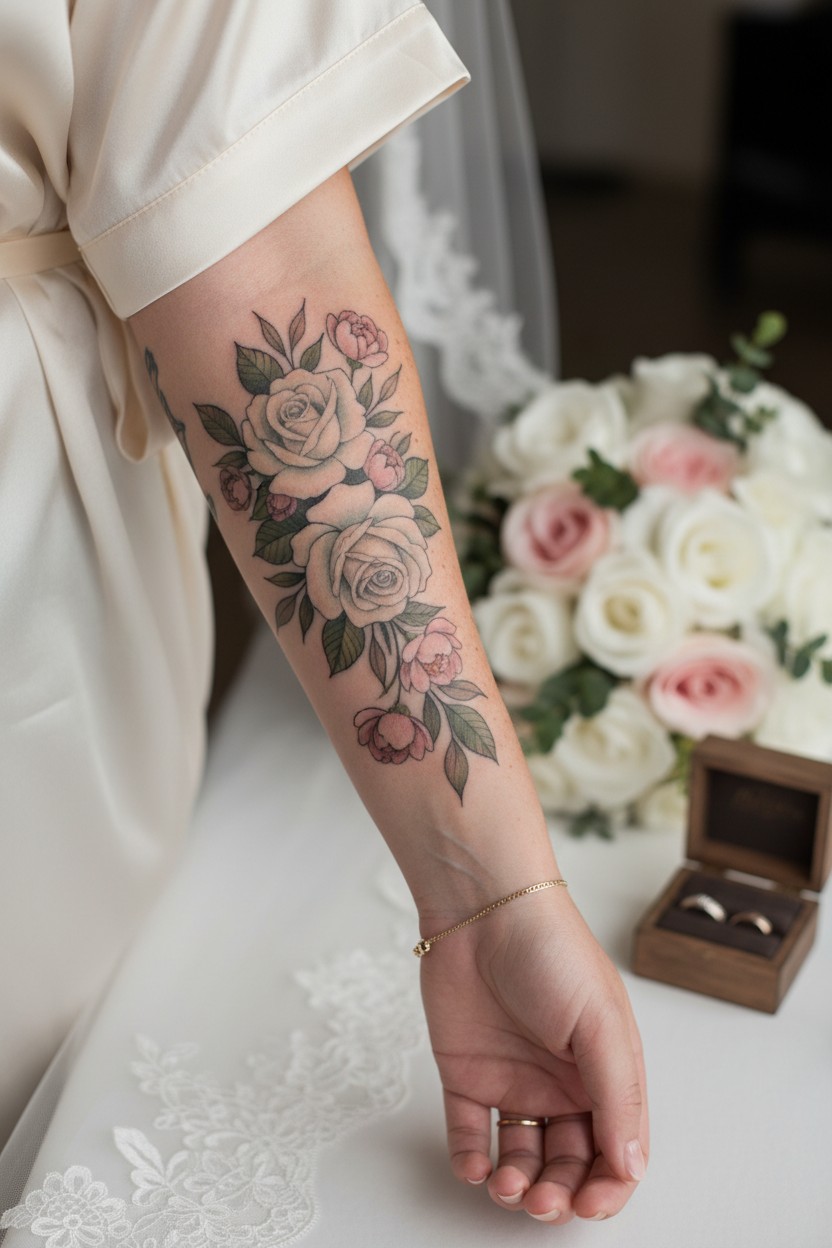
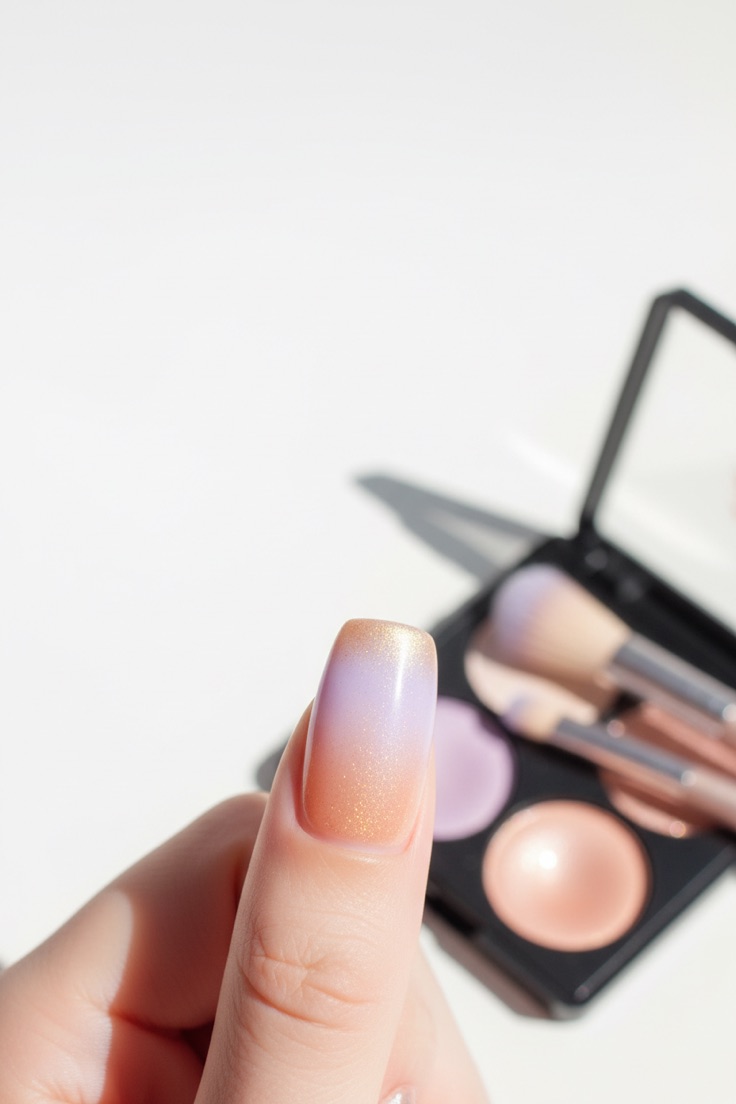
STITCH + TATTOOS + NAILS + FOODCreate pin concepts with titles, descriptions, keywords and image options. Choose how much you want to make before you start.
ONE IDEA → MULTIPLE CREATIVE DIRECTIONSKeep your favorites, edit the words, and auto-post to Pinterest at the pace you choose. Review your content before switching on a schedule.
YOUR LIBRARY → YOUR NEXT POSTS02 / MEET YOUR NEW CREATIVE CORNER
From the first idea to the next post.
In one desktop workspace.
YOUR NEXT GOOD IDEA IS IN HERE.
An illustrative tour using real images from the Pixfactory library. No AI requests are made here.
THE IMAGE IS ONLY THE BEGINNING.
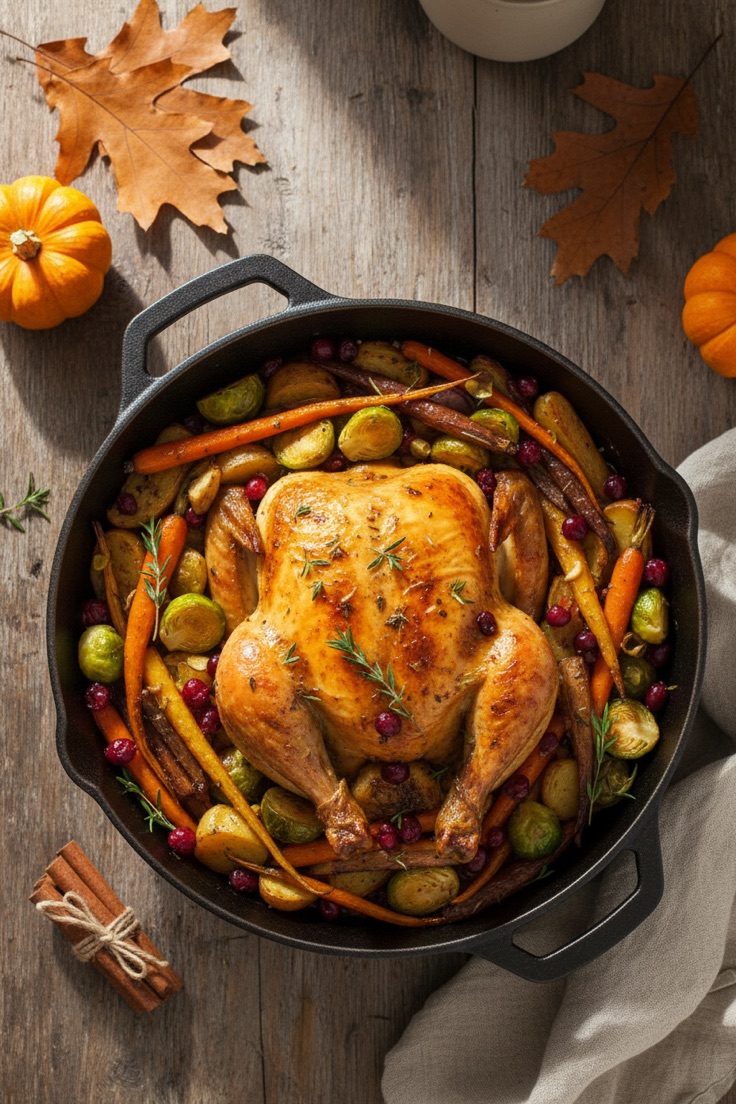
Golden roast chicken, colorful vegetables, and a cozy dinner setting. Create food inspiration with the pictures, titles, and keywords ready to review together.
KEYWORDSExample copy. Edit and review your own pin details in the app.
GIVE YOUR GOOD IDEAS SOMEWHERE TO GO.
Connect your Pinterest account, assign your niches, and set the days and pace for automatic posting.
Auto-posting runs while Pixfactory is open. You control the schedule and can also save images to publish yourself.
03 / DIFFERENT NICHES. ONE WORKSPACE.
Character designs, tattoo ideas,
nail art, and food photography.
AI-generated examples from four Pixfactory niches.
04 / THINK IN BATCHES
Find a rhythm that works for you. Adjust a few numbers and see what your next batch could look like.
This planner is an illustration. Generating images in the desktop app uses your own AI provider’s credits.
05 / THE WAY YOU LIKE TO WORK
Pixfactory handles the repetition.
You keep the decisions.
Connect your own provider and pick your model. Experiment with different looks as your ideas evolve.
Keep your pins and projects on your computer. Your AI requests go to the provider you choose.
Organize your content by subject. Connect Pinterest accounts and choose where each niche belongs.
Edit a title, adjust a prompt, or remake one image. Review the work before it becomes your next post.
A FEW THINGS YOU MIGHT BE WONDERING
Bloggers, creators, shop owners and people building content around a niche. It is useful when you want several visual directions and the pin titles, descriptions and keywords to go with them.
You connect an API key from a supported AI provider. Image generation uses that provider’s API credits, which are separate from access to Pixfactory and from a consumer chat subscription.
Yes. Your library keeps the images and pin details together. You can edit the words, adjust image prompts, and regenerate individual variations before deciding what to post.
Yes. Connect your Pinterest accounts, choose where each niche posts, and turn on an account’s schedule. Pixfactory auto-posts while the desktop app is open. You can also save your images and publish them manually.
Yes. Pixfactory is a desktop app and its local posting schedules run while it is open. You choose whether to use posting and scheduling.
These are AI-generated examples from the Pixfactory library: Stitch-inspired designs, tattoo ideas, nail art, and food photography. Choose an existing niche in the app or create a new one around your own subject.
LESS BUSYWORK. MORE OF YOUR KIND OF CREATING.
Give it a niche, a few fresh angles, and a little room to grow.